How Greek Tutor Works: A Complete Guide | BMA
Greek Tutor is the learning environment at the heart of every BMA product. This page explains how it works, what each exercise does, and how to use it well. Whether you are just getting started or want to understand a specific feature, use the headings to find what you need.
The big picture
Tutor contains the lesson material, exercises, and exposure to the Greek of the New Testament in a single, fully contained environment. You can even highlight and take notes in the grammar as you go.
The success path
Start wherever your current knowledge is, and progress step by step through to reading the entire Greek New Testament. Tap a level to see the lessons, tap a lesson to see what is in that lesson. Easily review previous lesson material.
This describes the Greek track. The Hebrew track follows the same interface with its own path.
For Greek Mastery and Premium Languages members, Ask in Community and Ask an Instructor buttons appear at every exercise, copying the exercise text and routing directly to the right channel.
Getting started
When you create your account you will be asked if you are starting from scratch or have completed beginning Greek. Starting from scratch means you start at lesson 1. If you have completed beginning Greek, we provide an option to review beginning Greek while you start reading 1 John in Greek. If you get stuck, log a support request and we can move you wherever you want to go.
Logging in
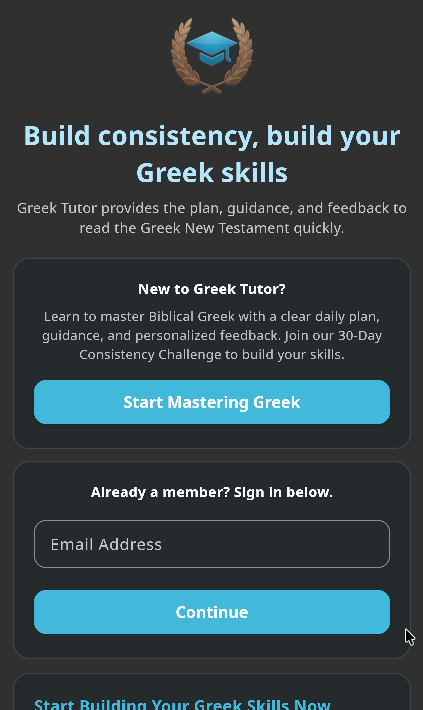
Tutor uses passwordless sign-in. Enter your email on the login screen and tap to request a magic link. Open the email that arrives and click the link, and you are signed in.
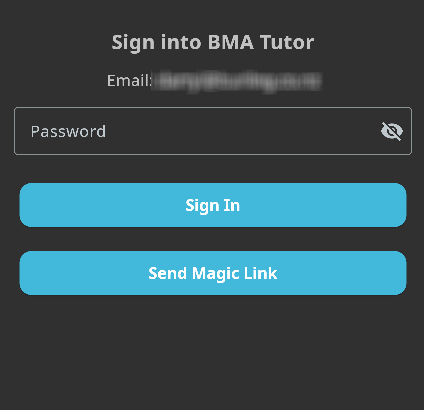
If the magic link does not arrive, check your spam folder first. If it is genuinely not coming through, use the contact form to ask for a manual password reset. We will reply with a new password you can sign in with, normally within 24 hours.
Grammar lessons
The entire text of Beginning Greek in Small Steps is available in Greek Tutor. Each lesson is broken into sections, which you will find referenced marked with §. For example, §32.3 refers to lesson 32, section 3. Inside each lesson you will see an asterisk next to words that have a glossary entry, in case you want a quick refresh of that term. Footnotes appear as superscript numbers, tap to view without losing your place. Highlight and take notes as you progress.
The Grammar button
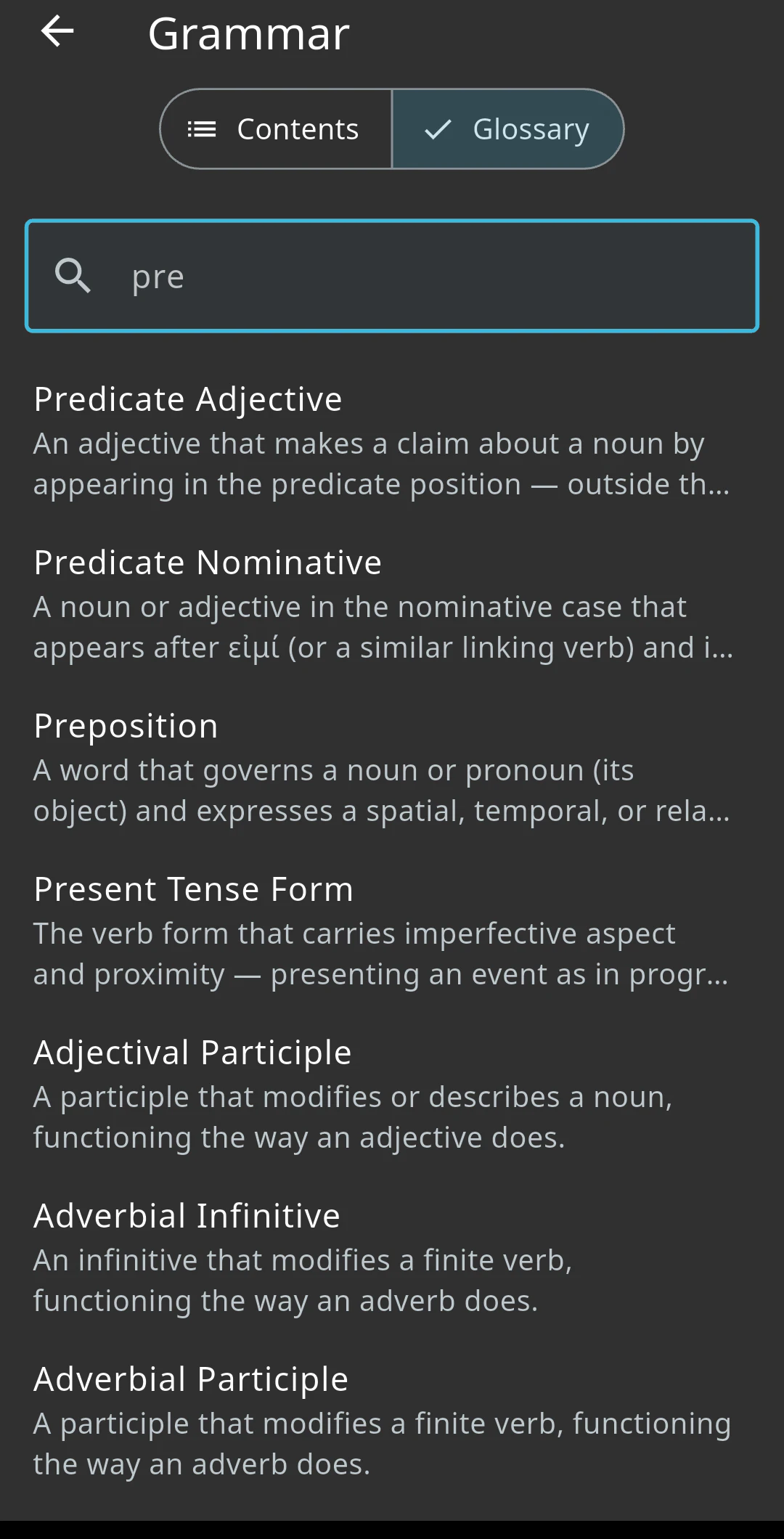
Review the overall structure of Beginning Greek in Small Steps, and search for concepts and terms using the built-in glossary. The glossary is also keyed to words inside the lesson grammar, so you never get lost about what the text is talking about.
Vocabulary
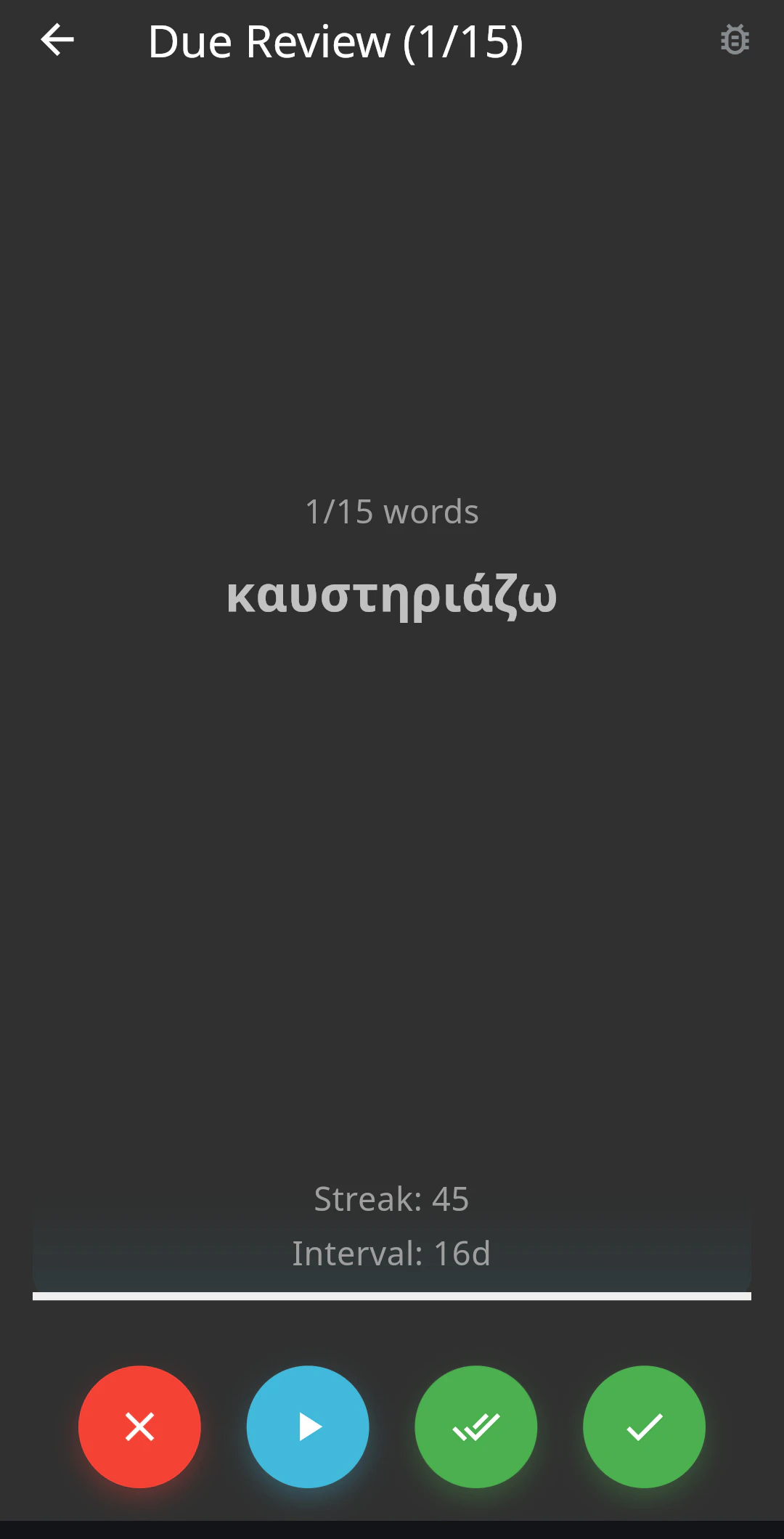
The four buttons at the bottom of the vocabulary review screen each have a gesture shortcut. Mark a word incorrect (red X, swipe down), correct (single green tick, swipe left), or well known (double tick, swipe up). The blue play button plays the word aloud. Tap anywhere on the card to turn it over.
Vocabulary cards can have up to four sides, configurable in Vocabulary Settings. Tap to cycle through the sides. Tap and hold to see the word in a verse from its lexeme. You can add your own image to any word.
At the end of a review you will see all the words you reviewed. Tap any word for more detail.
Reviewing also supports keyboard shortcuts: a, s, d, f (or j, k, l, semicolon) for the four actions, b to go back, and the space bar to start or resume your review from the main vocabulary screen.
As I accumulated more vocabulary, words started looking similar to other words. I would confuse the meanings of words. Words weren't sticking as well as they used to. I was increasingly frustrated. This caused a chain reaction: trying to move forward reading without mastering the vocabulary caused frustration and anxiety with reading as well. Tutor exposed a bad habit I had developed without realising it. I was consistently moving on to new words too soon. Vocabulary has become easier to retain and less stressful, which improves my reading and overall confidence. Greek has returned to being a labor of love.
Difficult words
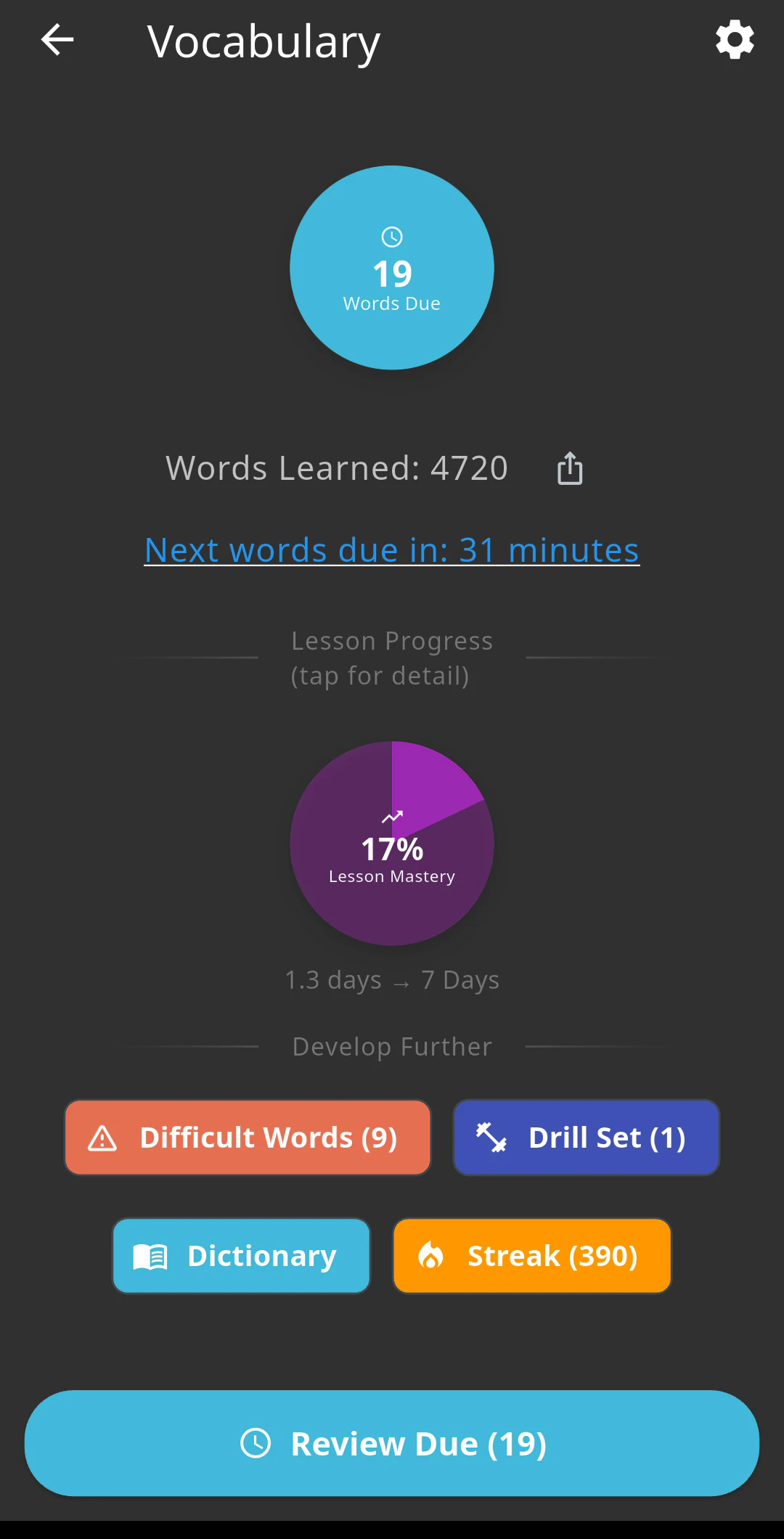
Words you get wrong more often are automatically added to a difficult words set. You can review these more often, and turn on Reduce interval on difficult review in settings to reduce the interval on these words when you review them by tapping the Difficult words button. This ensures you master even the most challenging and confusing words with ease.
Drill set
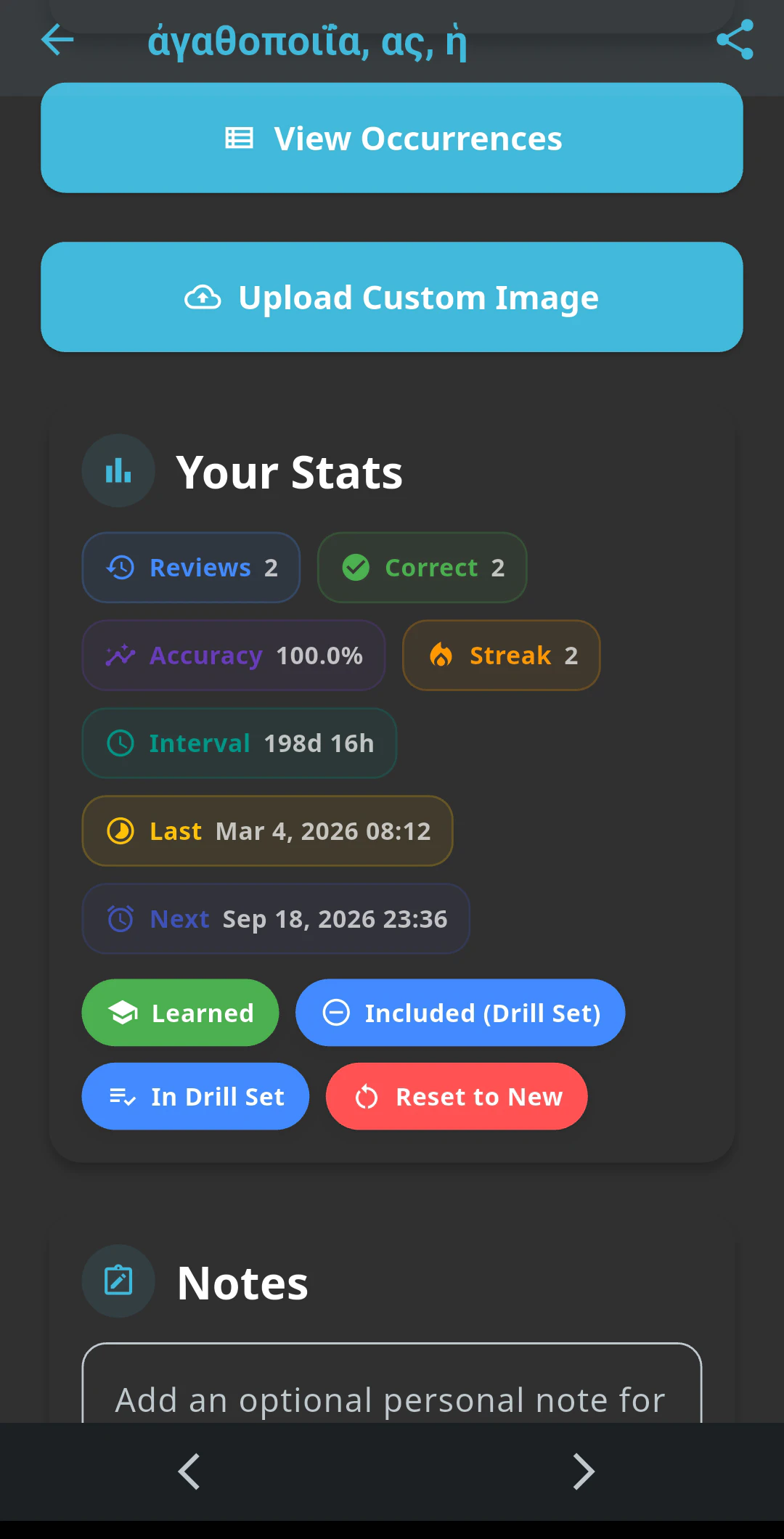
Add words to a drill set to review them on your own schedule rather than only when they come up in your review schedule. Great for words you just got wrong and want a few more attempts at, or to compare similar words side by side.
Dictionary
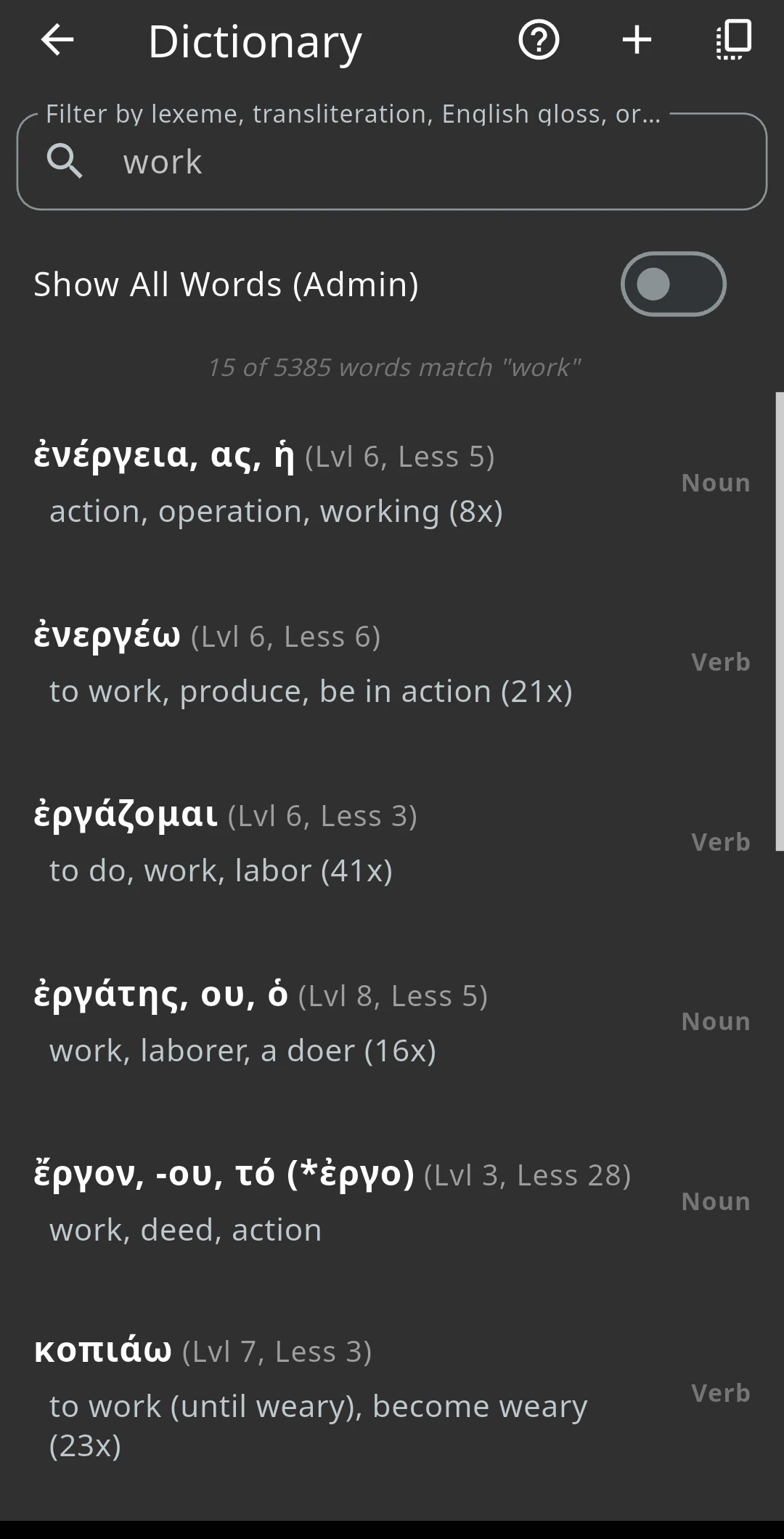
View all the words you have learned in the dictionary. Tap and hold to select multiple words, add them to a drill set, or review individual words. Numerous filter options help you find exactly what you are looking for.
Mastery points
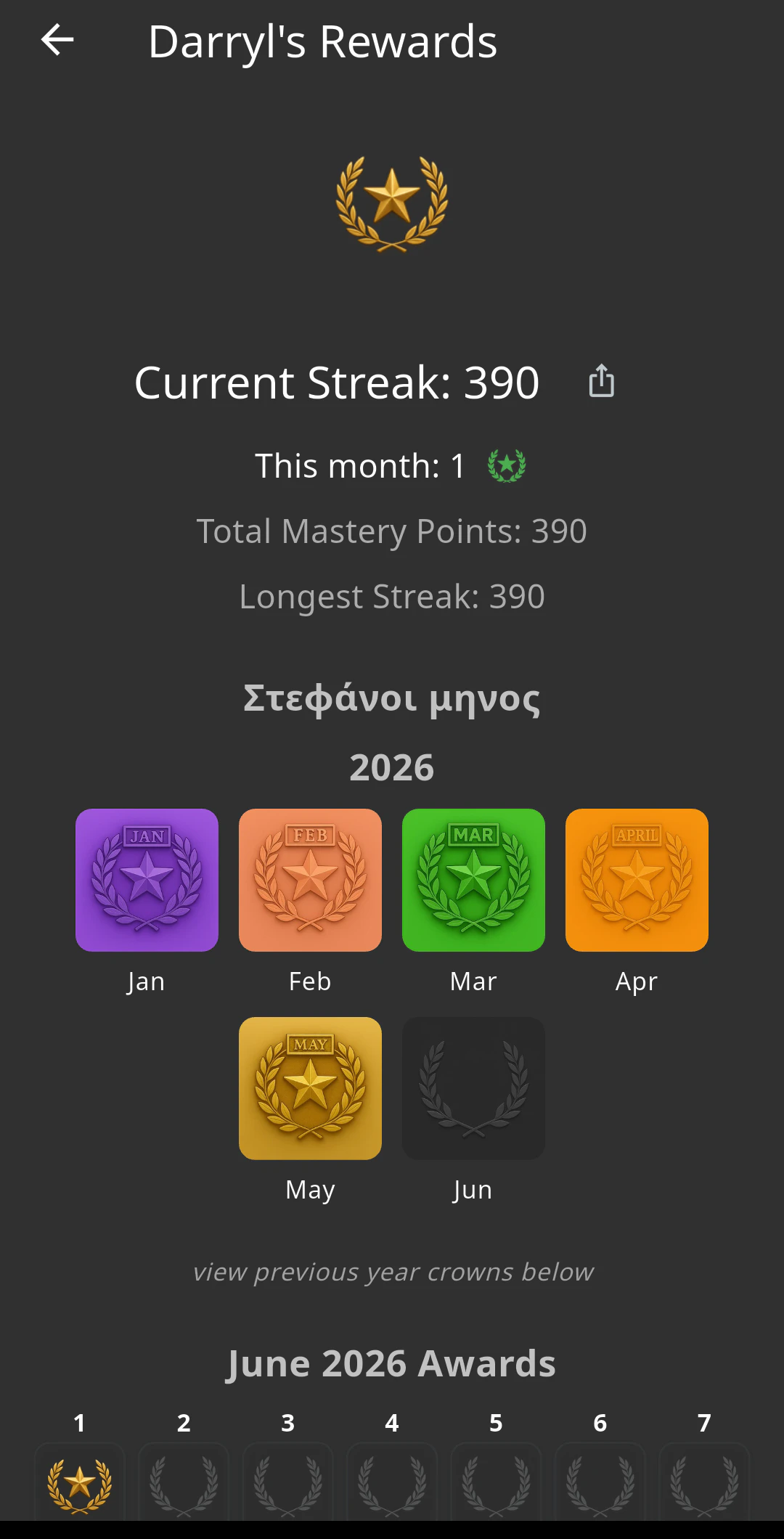
Every day that you review all the words due for review, you receive a mastery point. Build your streak of mastery points to earn a monthly crown (στεφάνοι μένοντος). Vocabulary consistency is the most foundational activity that will help you keep developing your reading skills.
Progression indicator
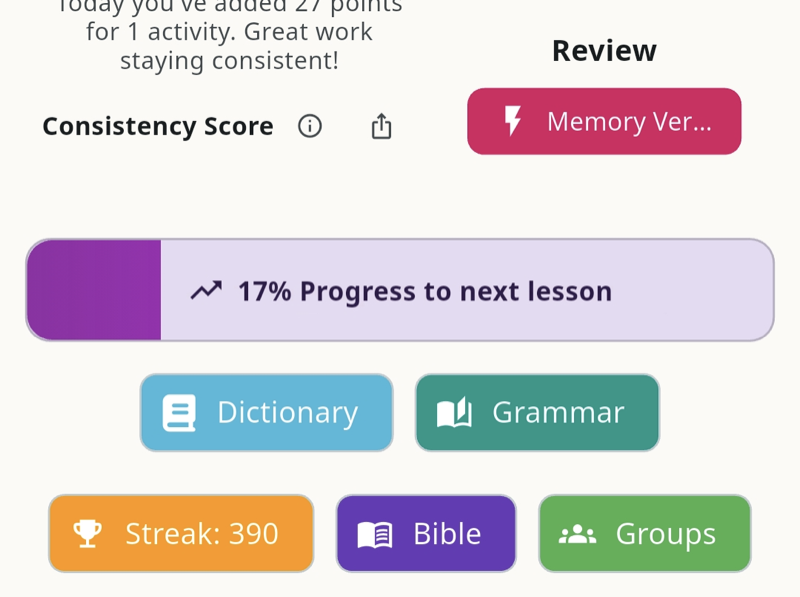
Progress to the next lesson is unlocked by mastering the vocabulary for the current lesson. While you are mastering the vocabulary, use the lesson exercises to master the material. Your progression threshold represents the interval you need to achieve on the words you are learning to progress to the next lesson. Lower progression thresholds mean you progress faster, at the risk of becoming overwhelmed by vocabulary with short intervals. Higher progression thresholds reduce the amount of vocabulary work you need to do each day, but delay lesson progression.
Getting help
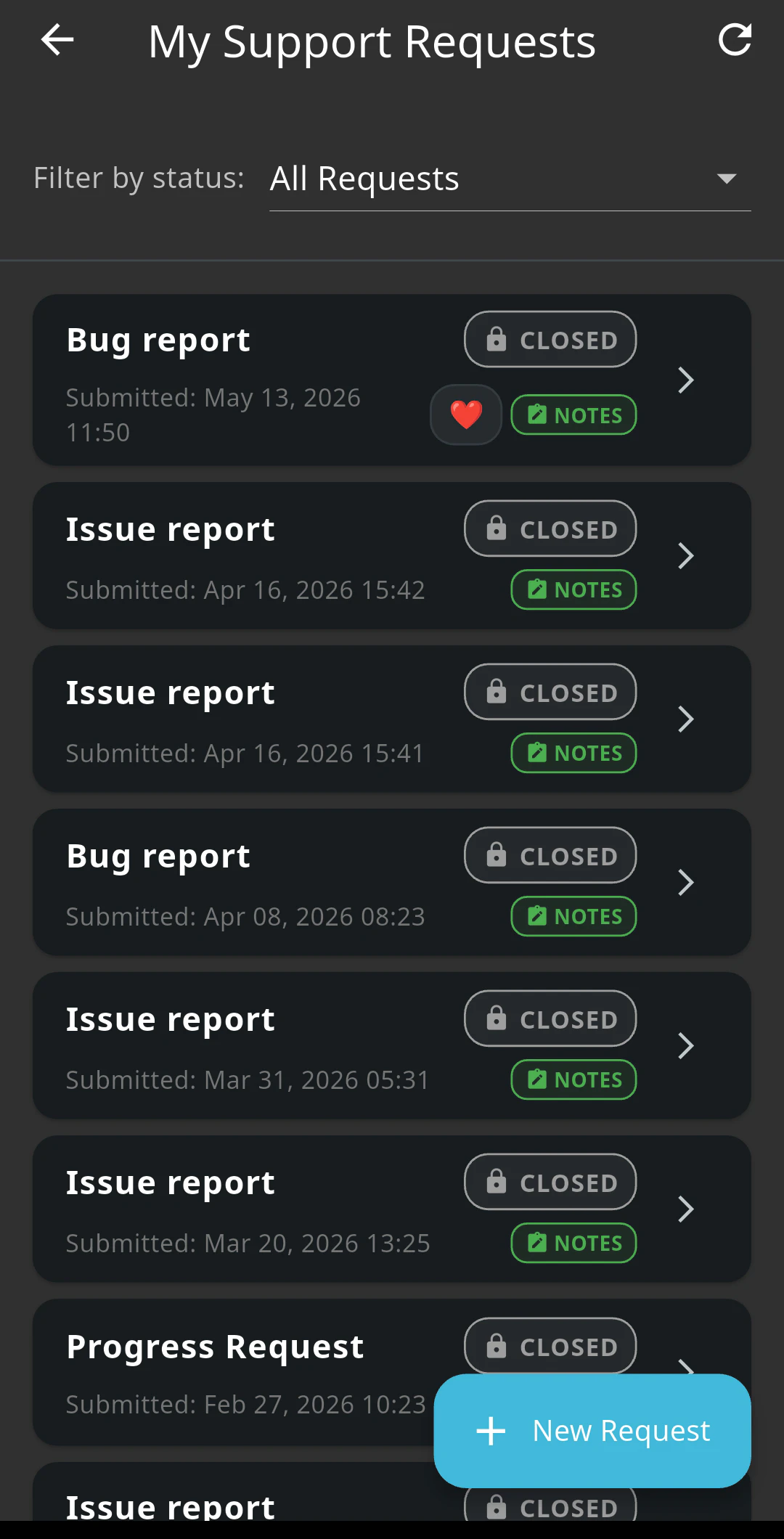
Find something not working as you expect? Tap Settings, then Support requests, and tap the new support request button in the bottom corner to let us know. We are here to support you.
Lesson exercises
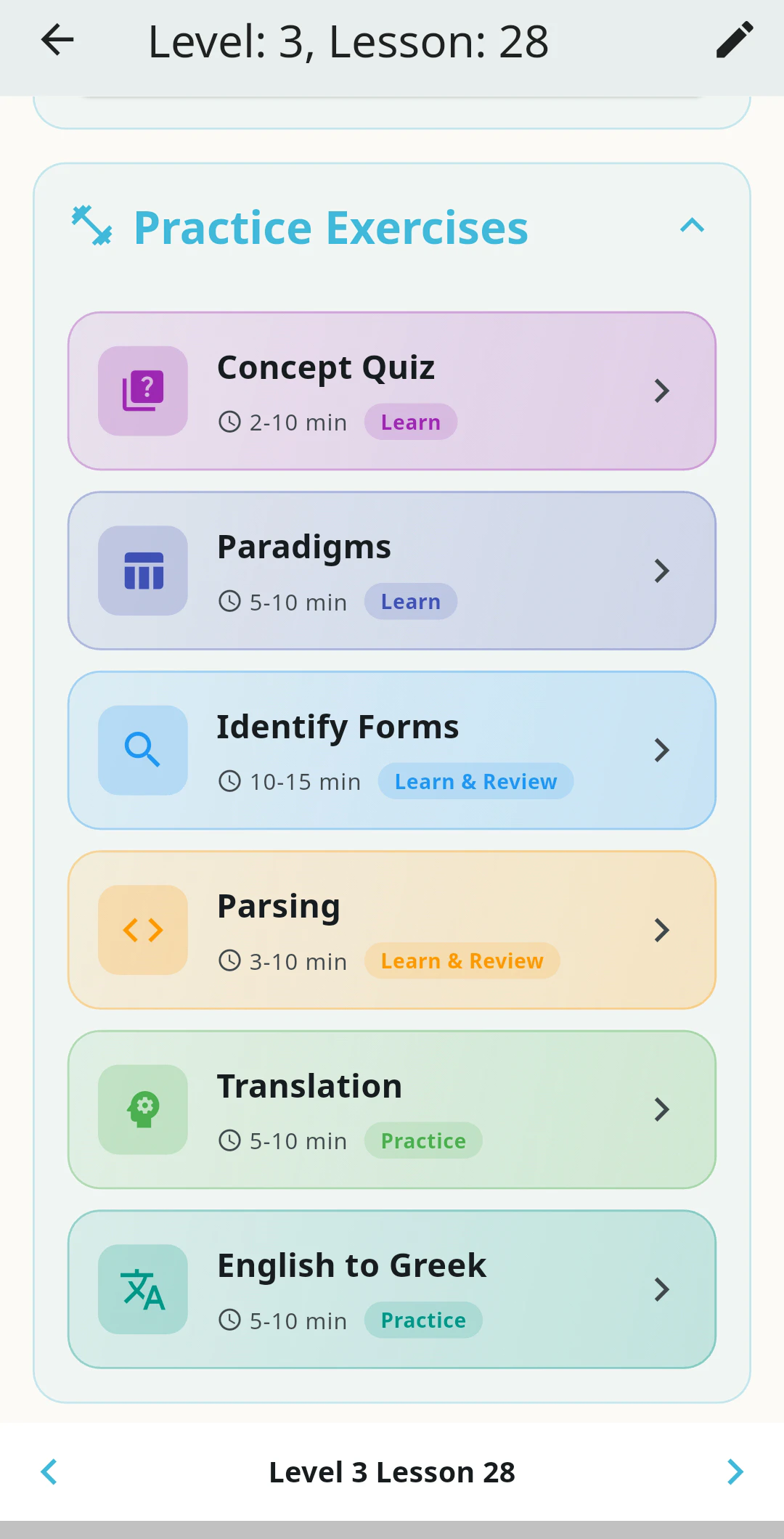
Each lesson has exercises to help you internalize the key principles from the lesson, learn how the forms work, and develop your ability to understand the language and grammar of the New Testament. Work through the exercises from top (reading the lesson) to bottom (final translation).
The Alphabet Explorer
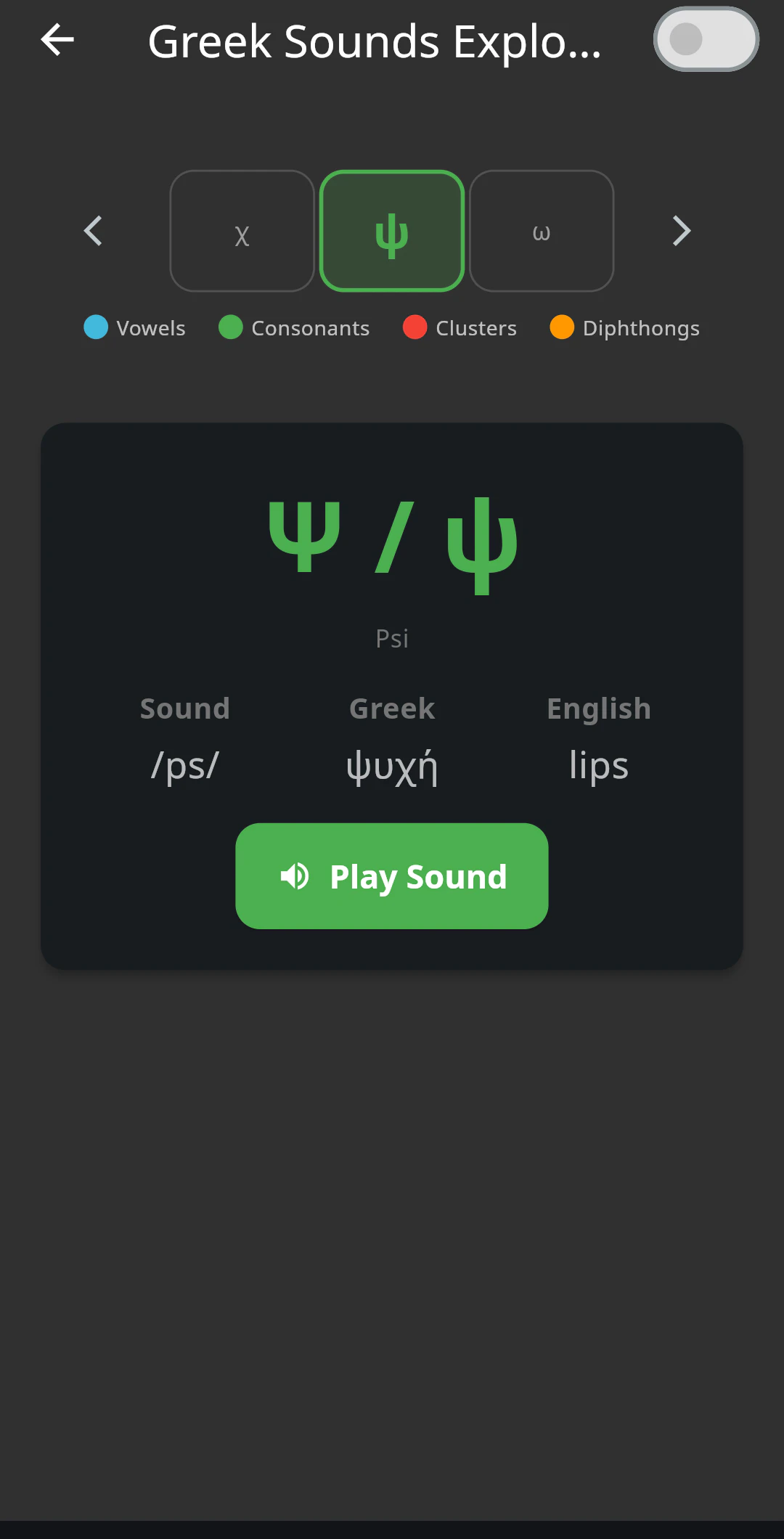
Scroll between the letters and sounds of the alphabet to hear how each sounds, and practice sounding it out loud.
Pronunciation
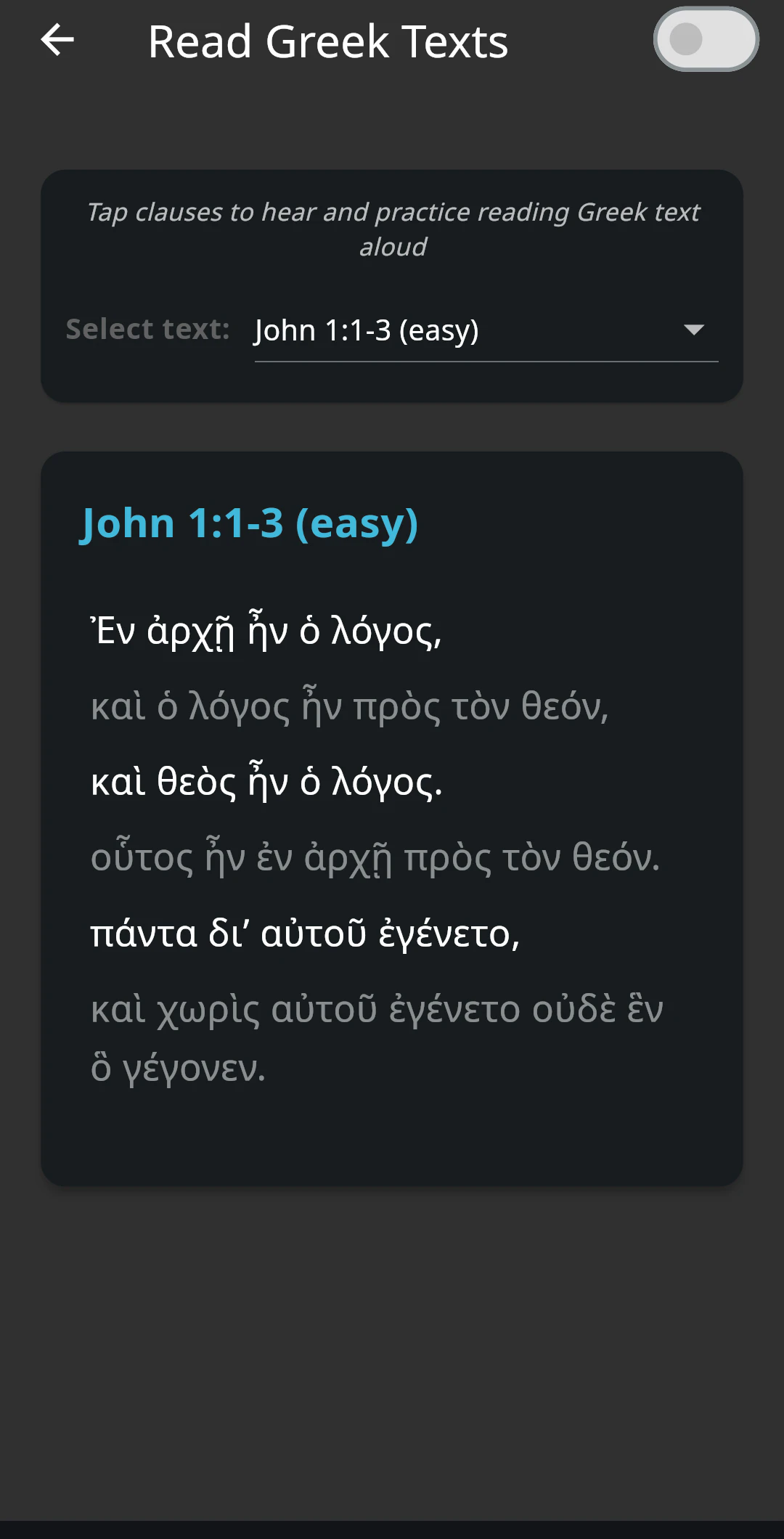
Learn to put the sounds together into words and sentences. Play the audio, repeat it to yourself. Speed up or slow down the pronunciation and swap between different New Testament texts.
Concept Quiz
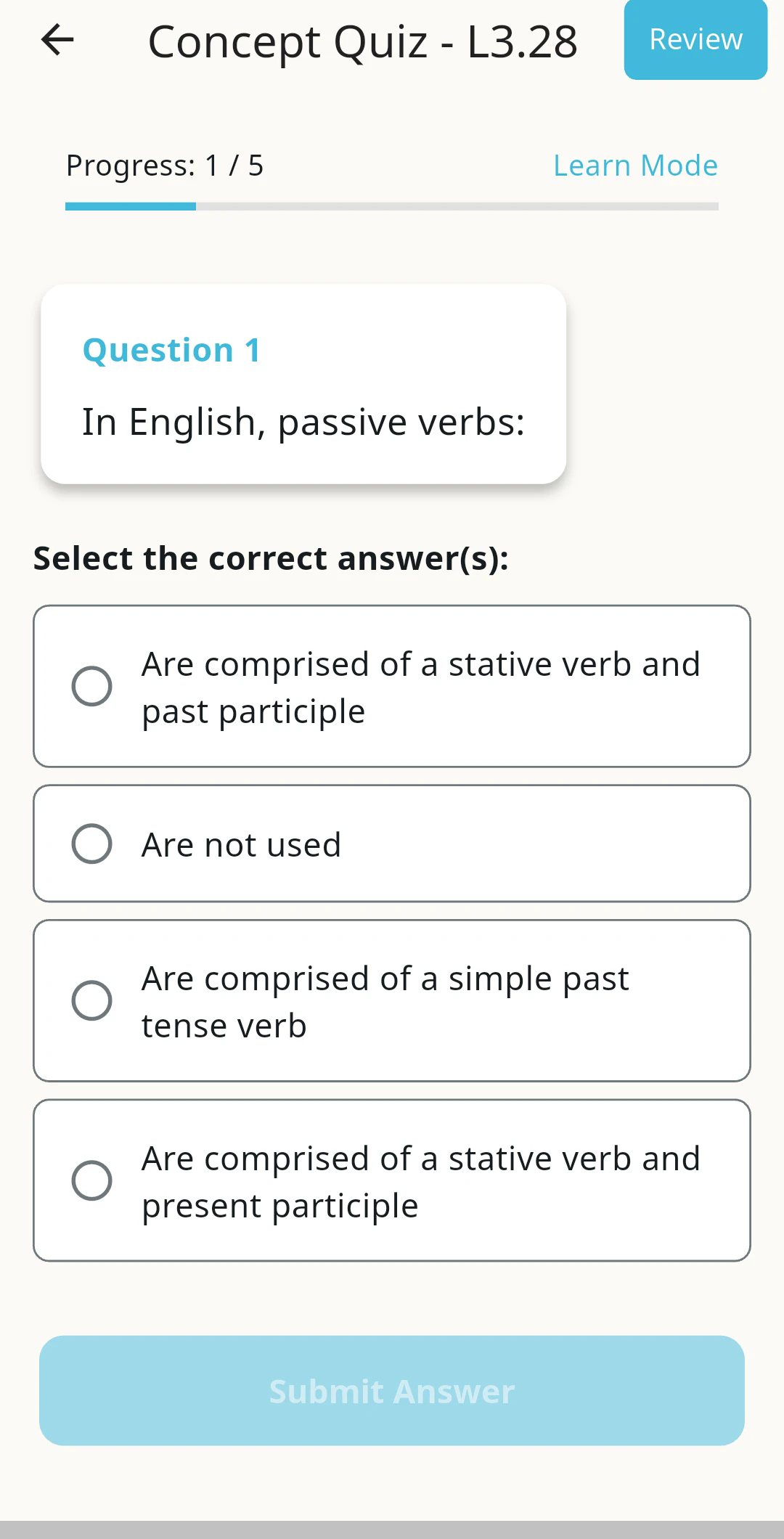
Each lesson has a What to Remember and Practice section at the end summarizing the main points. The concept quiz tests you on these. Once you can recall them, hit the review button to mix this lesson with previous lessons for review.
Identify Forms
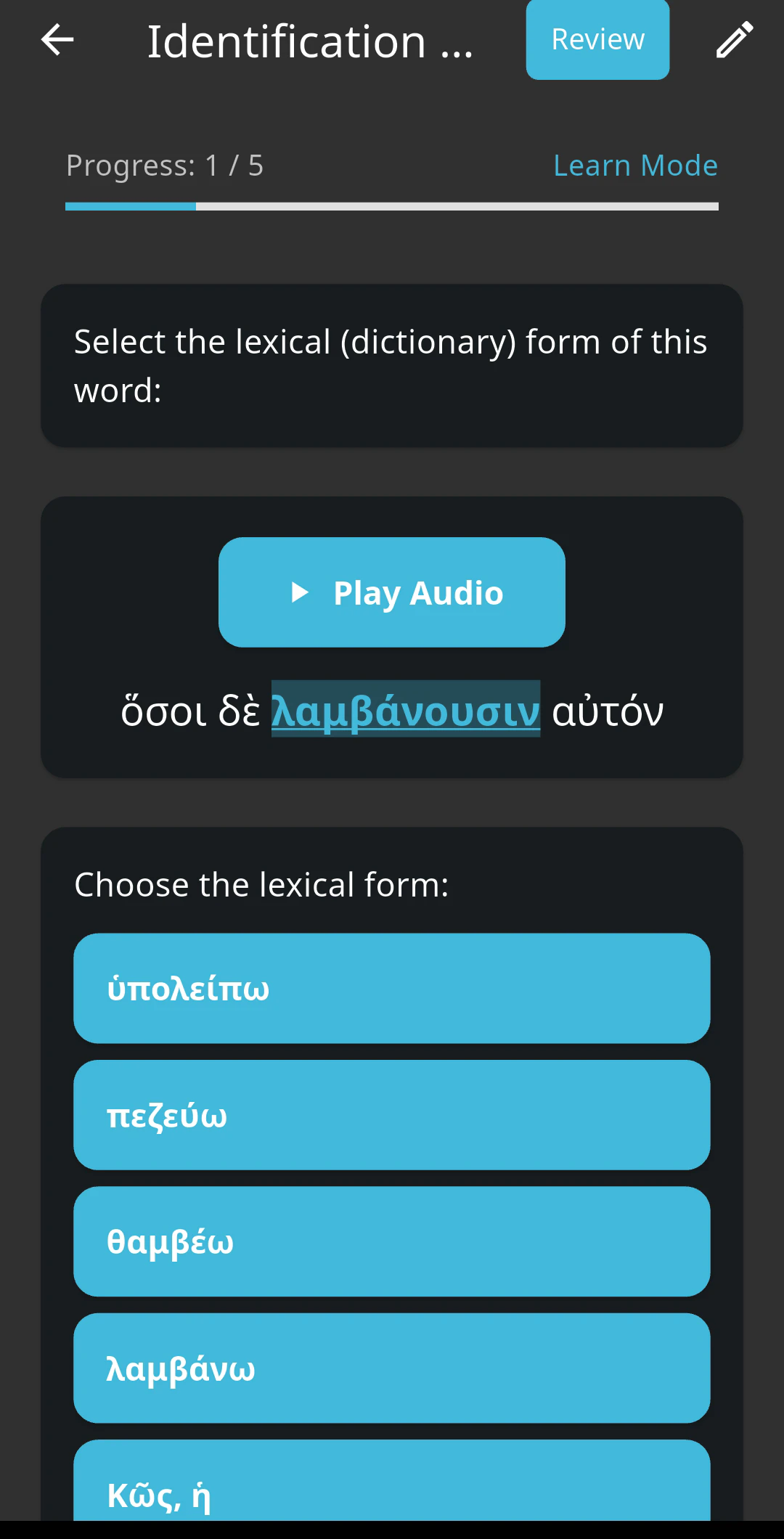
See the concepts of this lesson in a New Testament text, identify the specified word to improve your recognition, and identify the lexical form behind each word. An explanation is provided for each word to help you learn.
Parsing
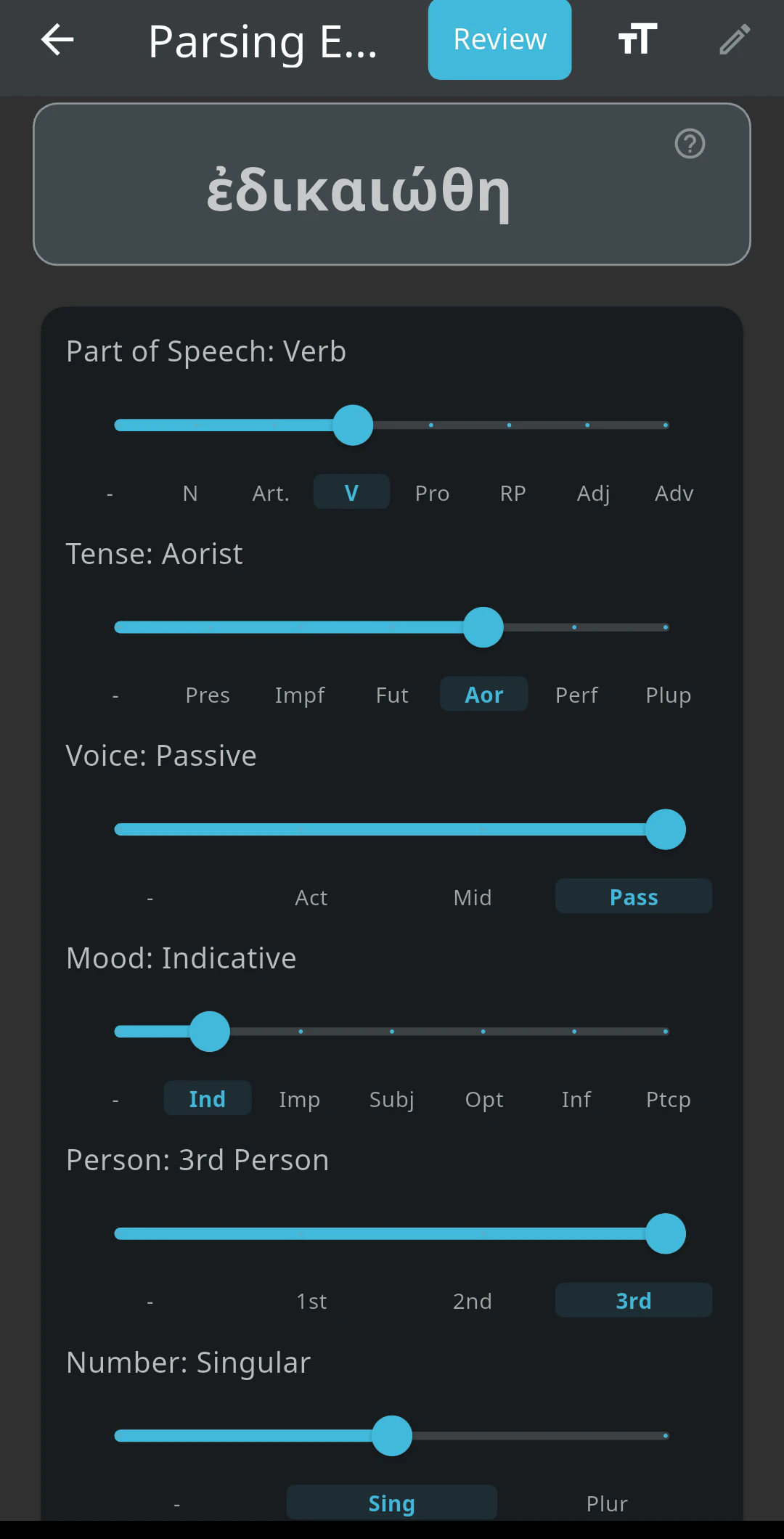
Learn to identify the form of any word in the New Testament to improve your ability to understand how it functions in the sentence.
Translation to English
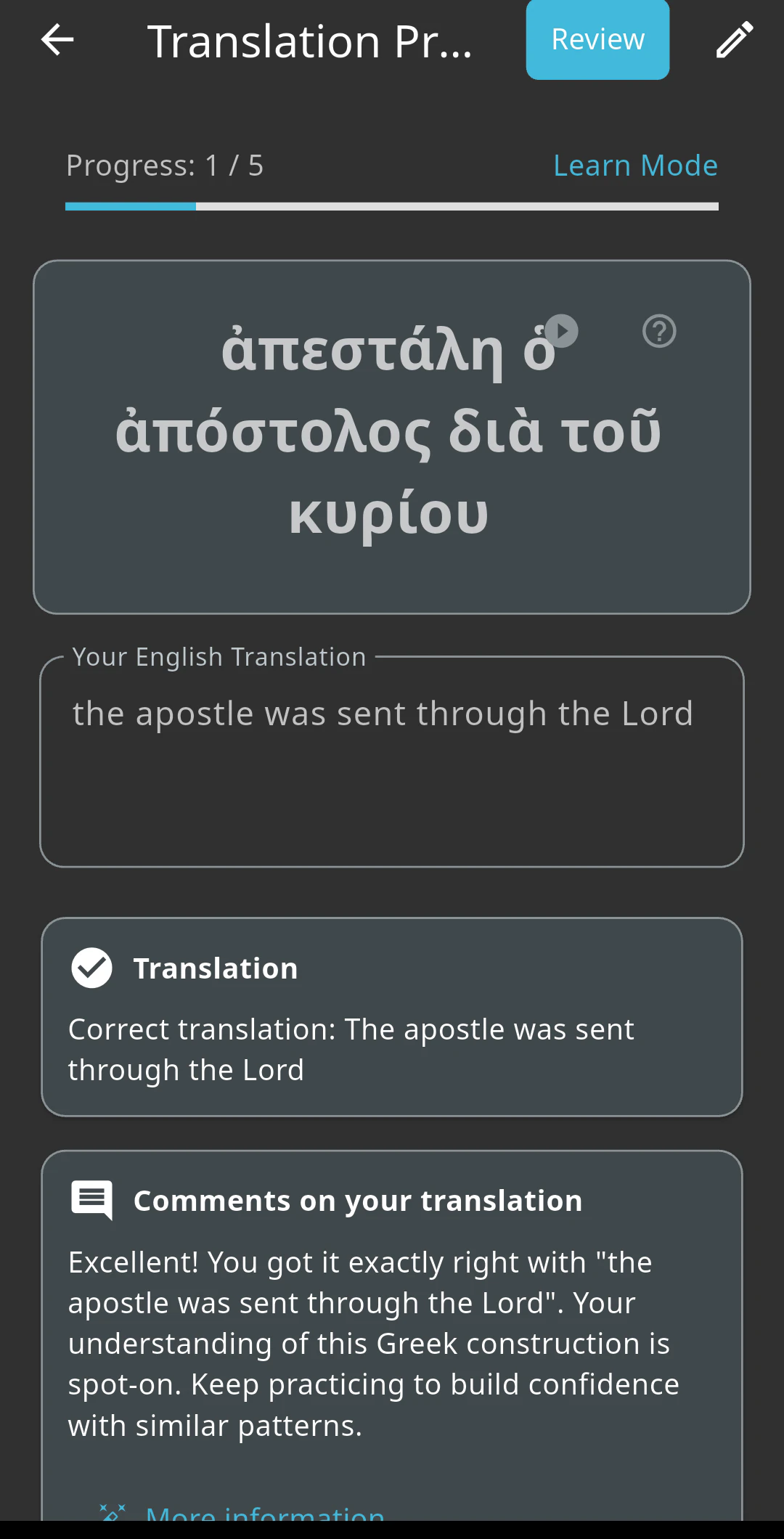
Building on your ability to identify and parse words will make translating to English straightforward. Listen to the audio, type your translation, and compare it with the provided translation.
Translation to Greek
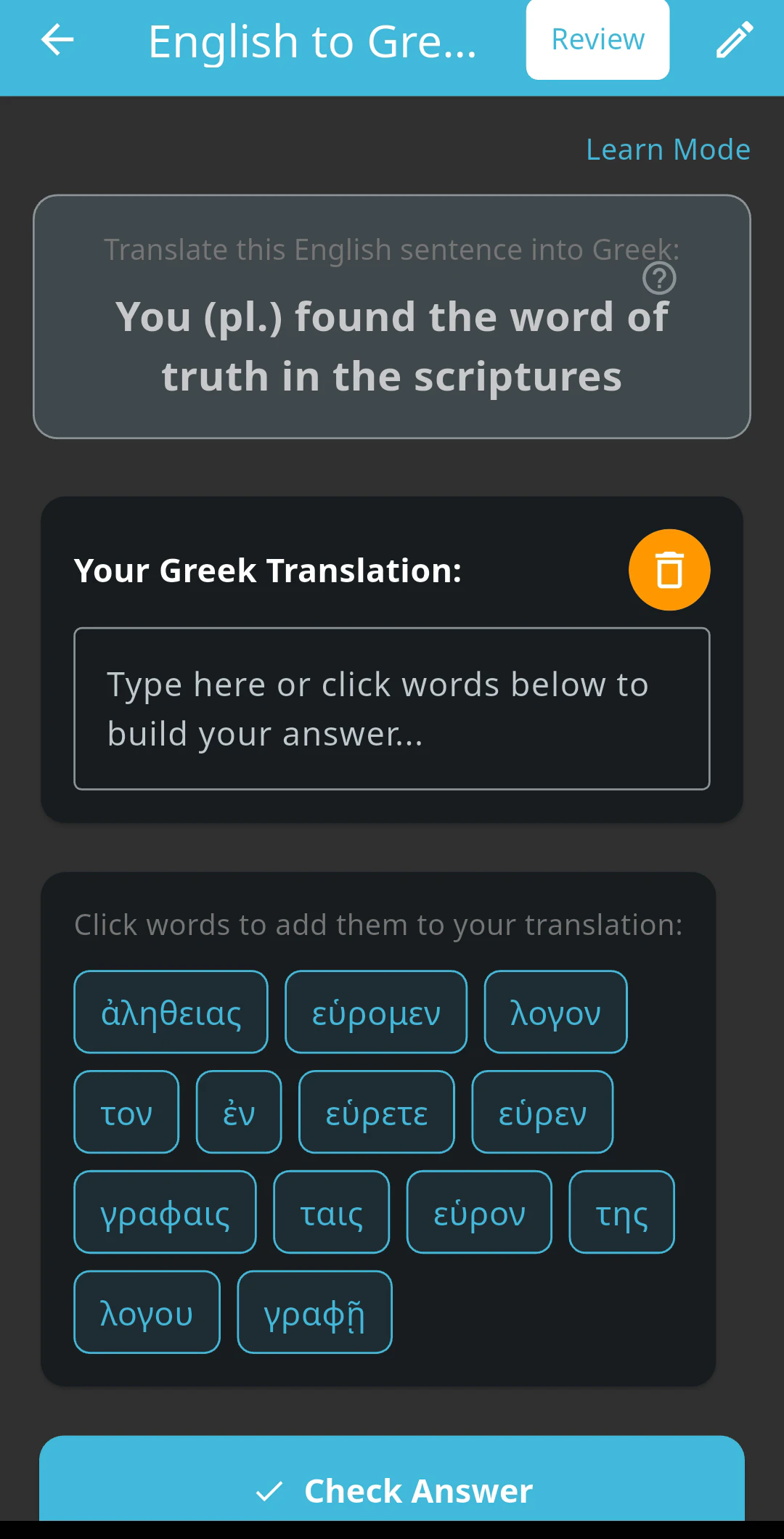
Build your active Greek skills by translating from English back into Greek. Working both directions cements what you know, and deepens your ability to engage the text on its own terms.
Final Translation
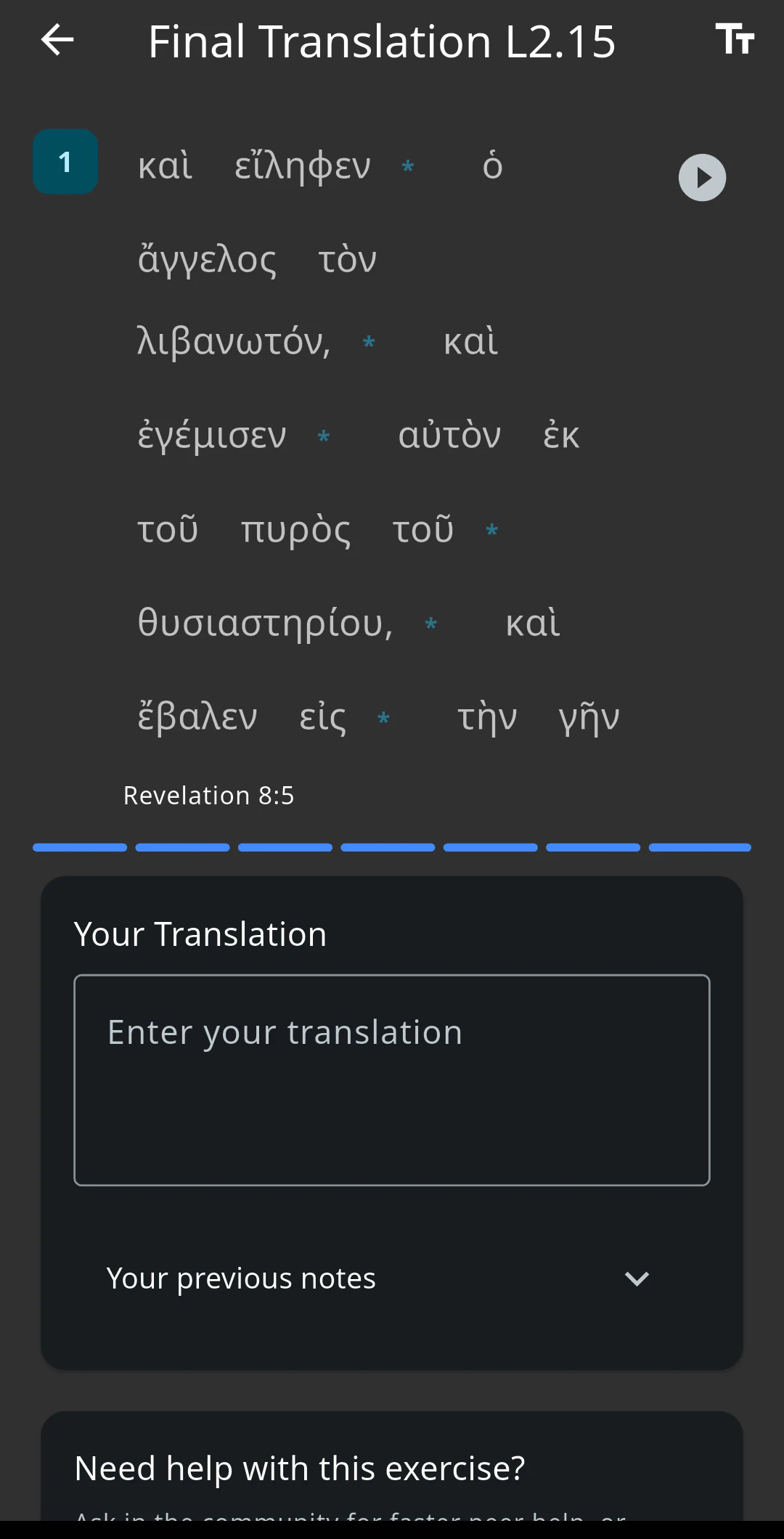
Work directly with text from the Koine period that you can translate based on what you have learned. Once you have completed these exercises and mastered your vocabulary, move on to the next lesson.
The Consistency Score
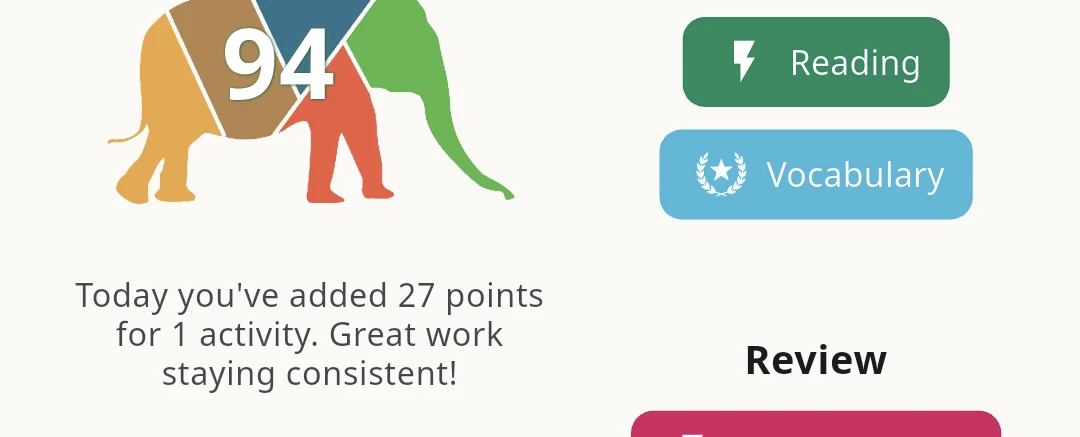
Are you doing enough to expect to make progress? Your Consistency Score answers exactly this. If you have a Consistency Score of 70 or more (green, Consistent), you are practicing the right exercises regularly enough to develop the explicit language skills you need to read and exegete the New Testament faithfully.
Your Activity
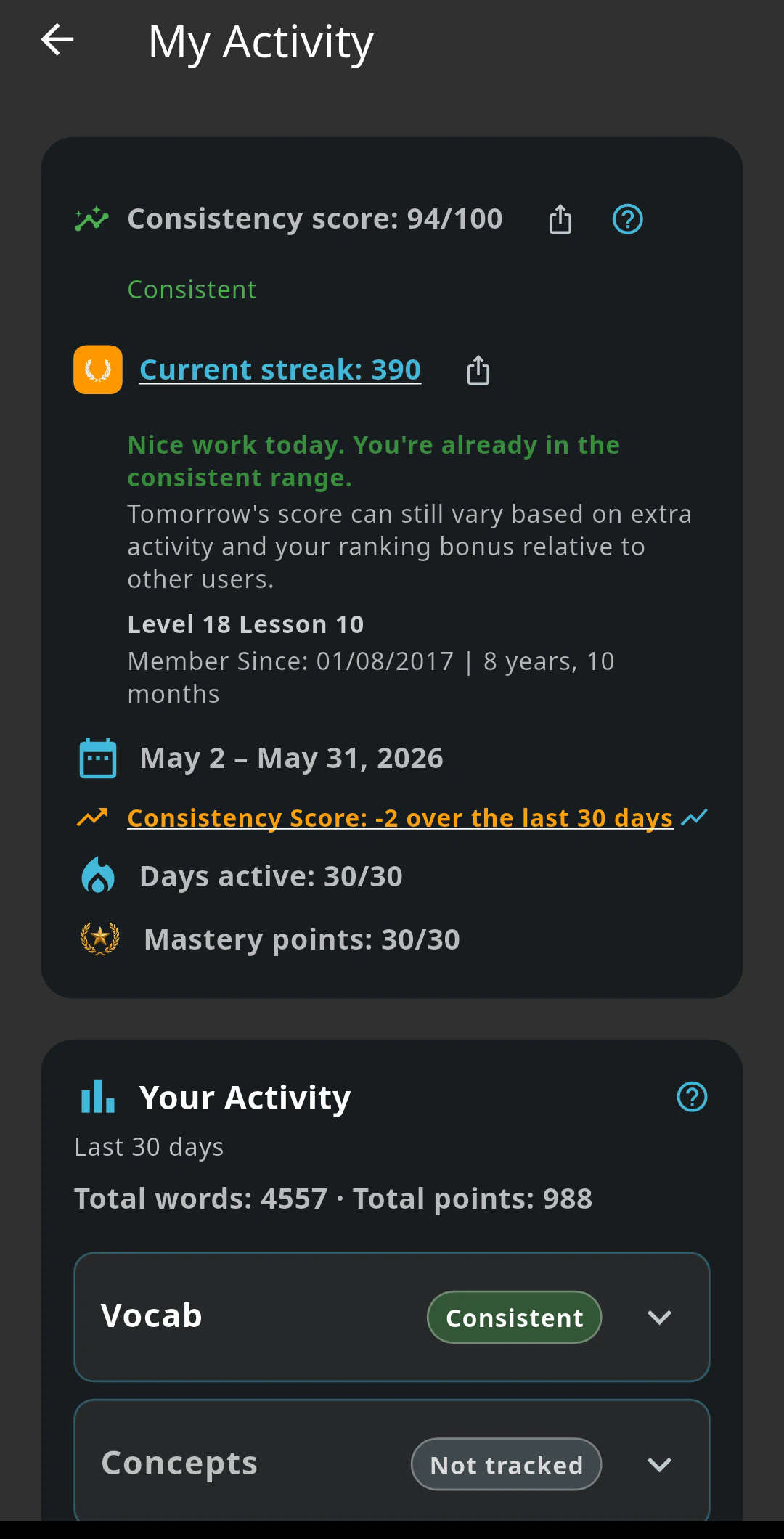
The Activity screen shows exactly what you have done and how frequently over the last thirty days. Every exercise type is tracked individually, so you can see precisely where you are spending your time and where you are not. If your Consistency Score is lower than you expect, the Activity screen tells you why. Use it to find the gap and fill it.
Cohort Review
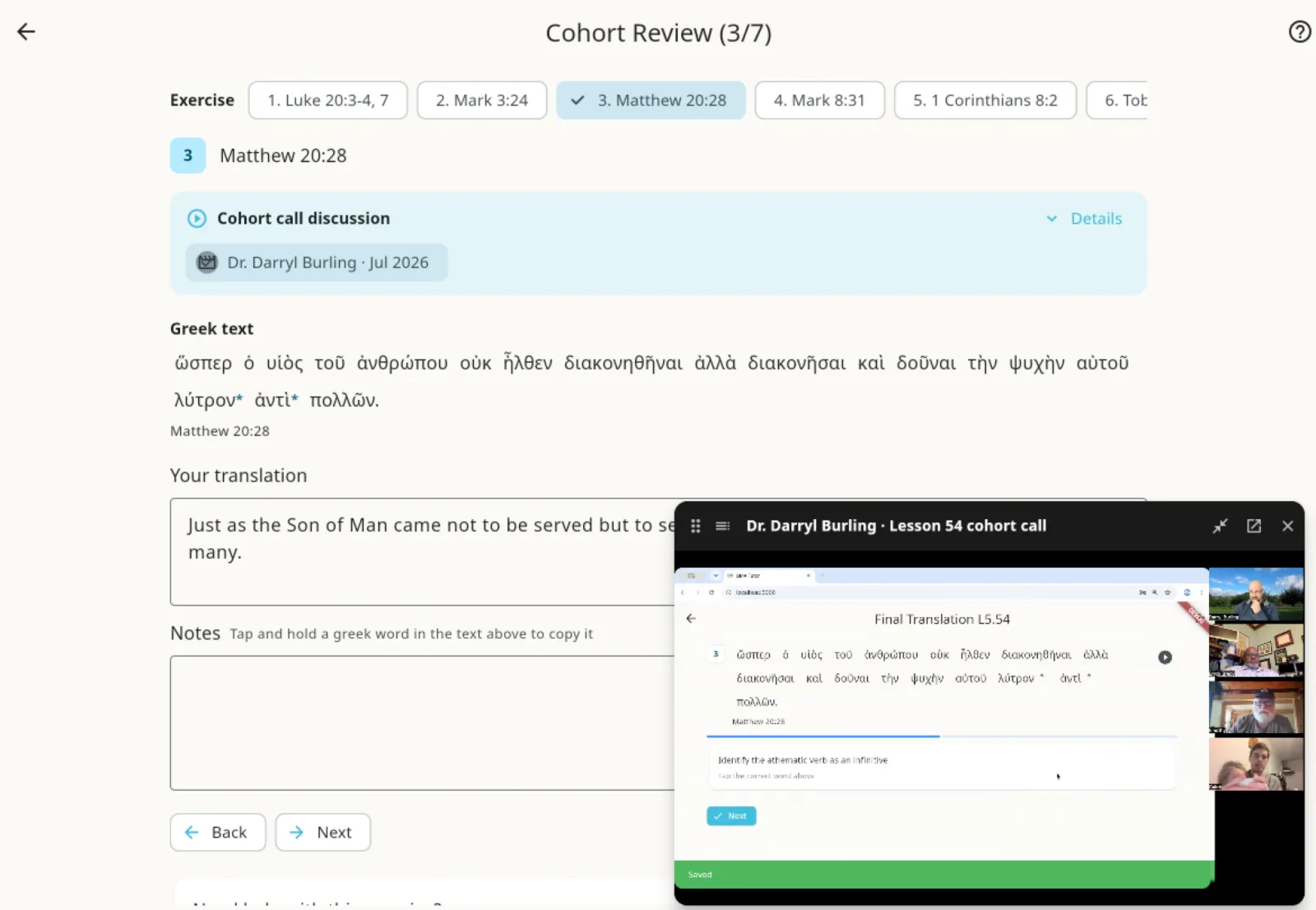
If you are a Greek Mastery Member and cannot make a live call, you can still benefit through Cohort Review. Each Final Translation exercise has a short video with a cohort discussion of that exercise. Watch it to check your work and benefit from the class discussion.
Account and billing
Under your profile you will find your billing details, which allow you to upgrade, change your card details, and cancel your membership. We hope you do not leave, but if you do, we would love your feedback on how we can improve.